If AI can build a presentation in seconds, who decides what is worth showing? I explored that question with Rolly Seth, Principal AI Product Manager on Microsoft’s PowerPoint team. The technology creates possibilities; context, judgment and attention to the audience turn a sequence of slides into a presentation that works.
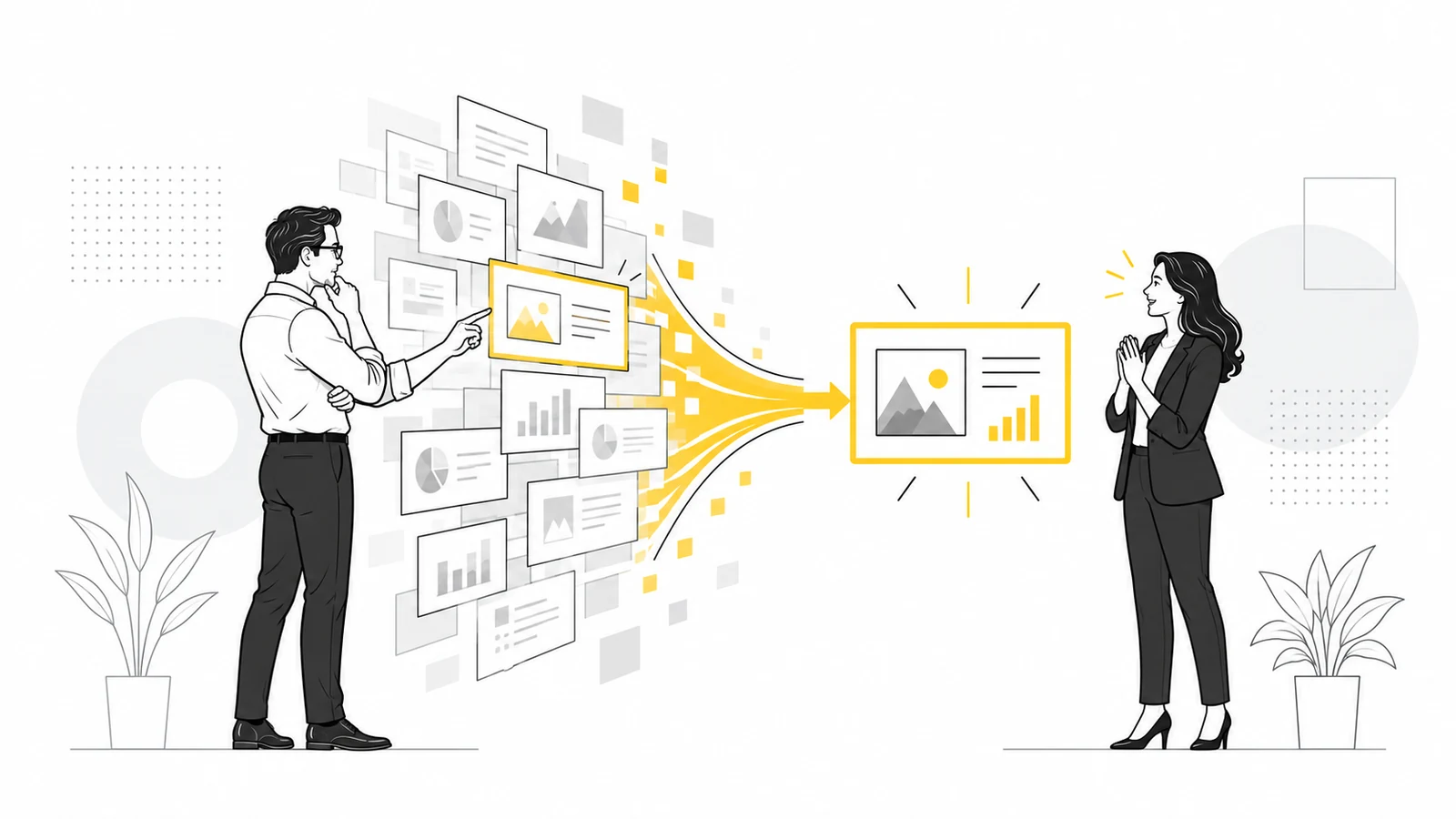
The question I put to Rolly was simple: who makes the slides now? In the conversation, we use it to explore PowerPoint, Copilot, creativity, trust and the future of presentations. When producing a first draft becomes easy, the value of our work moves to the choices we make.
These are eight ideas I took from our conversation. They offer a practical way to use AI in presentations without giving up your own voice:
- AI may produce the slide, but the presenter remains responsible for its message.
- Judge a presentation by what the audience understands and decides, not only by how it looks.
- A generic prompt often leads to a generic result.
- Check context, iteration and trust before showing a slide.
- Start with a useful existing deck when you have one, then adapt it.
- Skills can make your method and quality checks repeatable.
- PowerPoint still provides a place to collaborate, refine and retain control.
- Adaptive presentations matter when they help the audience.
Who makes the slides in the age of AI? The person who chooses the message
We can ask a model to suggest a structure, write copy and lay out a deck. That is a huge change in the time it takes to make a first version. It does not answer the more important question: why does this presentation exist?
Before I open PowerPoint, I want to know who will be in the room, what they already know, what objections they may have and what decision they need to make. That is where the story starts. Slides follow from that work; they are not its starting point.
Rolly describes AI as an amplifier. Give it a clear standard and it can take you further. Start with a vague idea and accept the first output, and it amplifies the vagueness too. In that sense, we still make the slides: we define the input, judge the output and decide what to leave out.
Looking good is not enough: does the presentation work?
During our conversation I return to a distinction I care about. Beauty is subjective; effectiveness can be observed. Did people understand the point? Do they remember the message? Can they take the next step after the presentation?
Rolly takes the discussion beyond visual taste. Her idea of taste includes the care involved in choosing the right story for a specific audience. A slide can look immaculate and still miss its purpose because it does not answer what people need to understand at that moment.
That is why our guide to B2B sales presentations starts with listening and the customer’s decision. Design supports that journey.
AI amplifies judgment, but can also multiply mediocrity
It is easy to copy a prompt from the internet, ask for ten slides on a topic and receive a tidy deck. Everyone has access to the same shortcut. The result often resembles countless other presentations: predictable titles, polished sentences and visuals that seem relevant without explaining anything.
Rolly observes that convenience can lead to convergence. If everyone uses the same models and instructions, presentations begin to look alike. In the video, she looks for signs of a human choice: a specific detail, an original interpretation, perhaps a visual that is less polished but more intentional.
This does not mean adding fake imperfections. It means doing the editorial work: checking the data, changing the hierarchy, choosing a better example and removing three unnecessary slides. A generated presentation left untouched tells the audience that we have not invested enough attention in them.
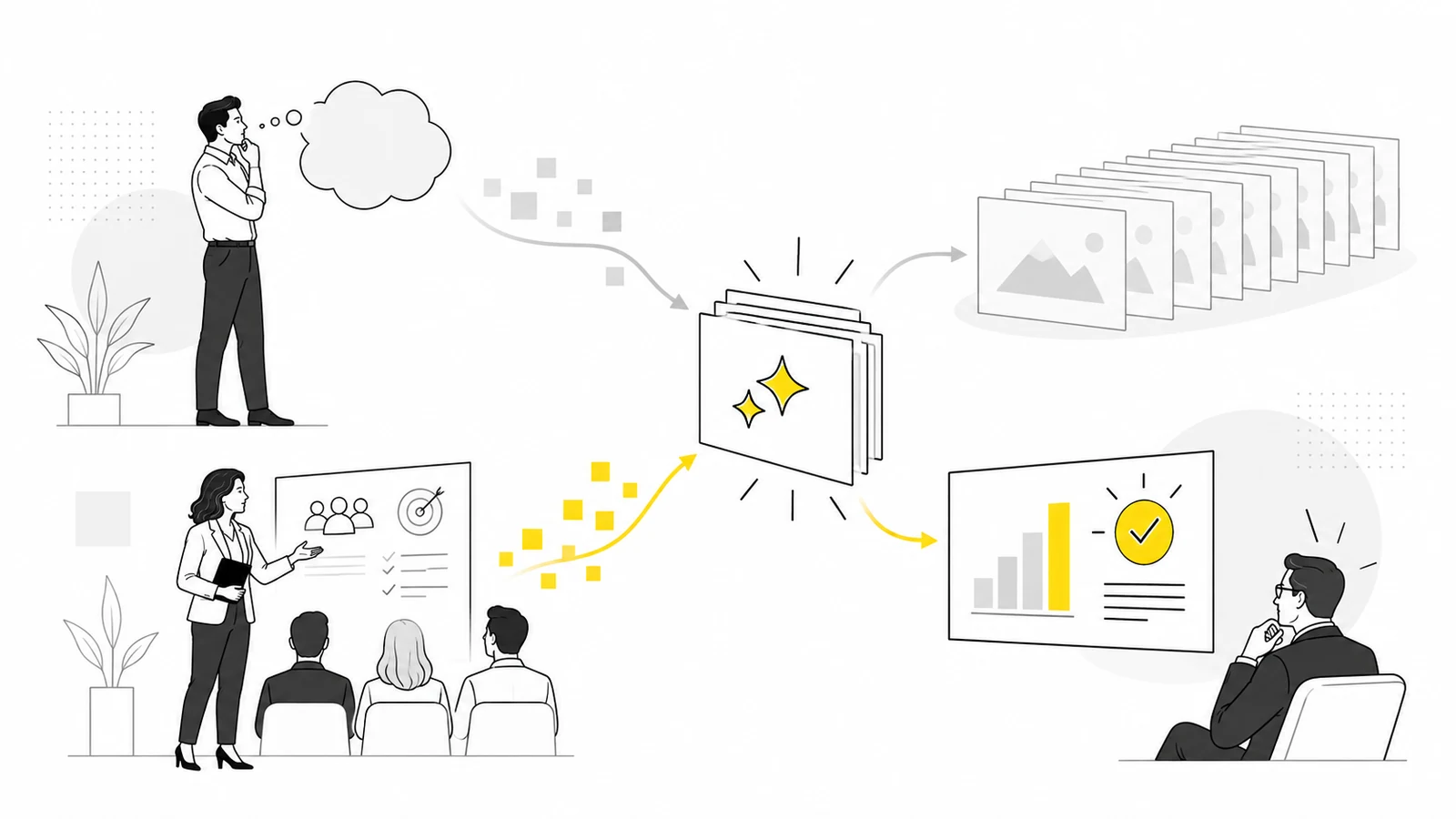
Context, iteration and trust: three checks before showing a slide
Our discussion brings out a framework Rolly calls CIT: Context, Iteration, Trust. It turns an abstract debate about AI into three practical questions.
Context: who are you building this story for?
A model does not automatically know the meeting, the people in the room, the company’s language or the objections you have heard. You need to bring in what makes this presentation different from another one on the same subject. Before asking for a slide, describe the audience, the objective, the constraints and the trusted material to work from.
Iteration: have you moved beyond the first draft?
The first response is working material. Rolly suggests a feedback loop: ask the tool to critique its output, identify what is generic, revise one section at a time and look at it as your audience would. A better prompt helps; a thoughtful review conversation helps even more.
Trust: can what you show stand up to questions?
Check figures, sources, wording and visual consistency. Then ask whether the slide shows that you understood the problem facing the people in front of you. Trust becomes a design criterion: the output must be accurate and defensible when someone asks, “Why?”
For clients with strict policies, this also means using tools and data allowed by their organization. In the video I explain that many ask us to work inside their Microsoft environment and use Copilot. The tool follows the client’s rules; responsibility for the message stays with us.
Start with the slides you already have, then improve one thing at a time
When I ask Rolly where AI really helps in the process, her answer challenges the familiar “create everything from scratch” demo. In everyday work, we often already have a deck, a template, last year’s presentation or a collection of approved slides.
The real job is to find what is useful, adapt it to a new audience and keep it consistent as several people work on the file. AI can help select existing material, rewrite a section, check the style and catch last-minute errors.
Rolly’s advice for getting started is simple: try it on one slide. Define the outcome you want, examine what the tool produces and correct it. Then move to a section and, only later, to the whole deck. That is more dependable than handing over the entire presentation at once.
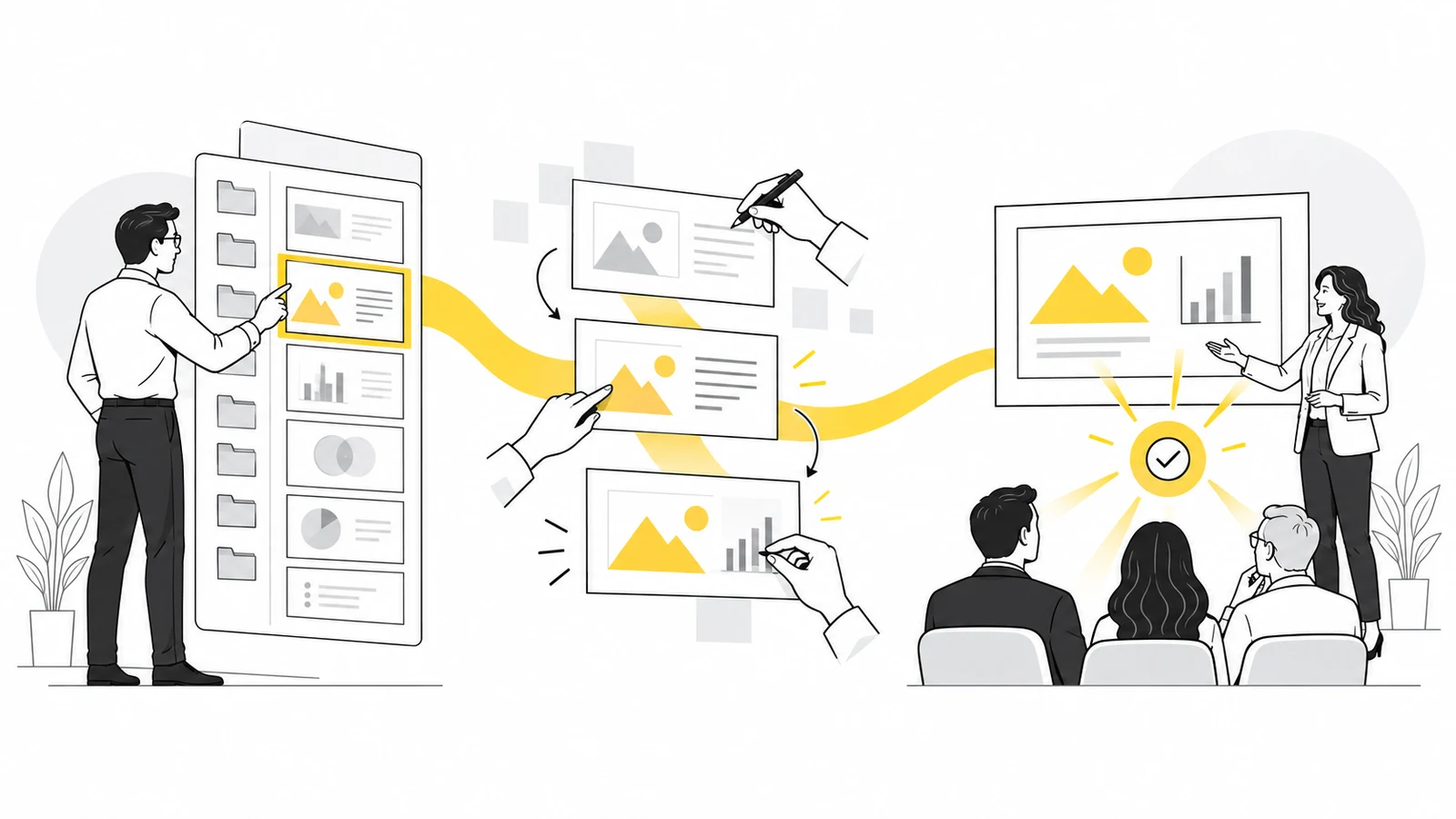
Skills turn your method into reusable instructions
Rolly describes skills in accessible terms: repeatable instructions that tell AI how to perform a task. They may cover a slide’s style, the structure of an executive summary or brand checks before delivery. Their value lies in personalization: the tool follows an explicit method instead of a generic recipe.
Imagine a monthly leadership update. A skill could ask the tool to keep the approved template, begin with the decision required, separate results from risks, check chart colors and flag unsupported figures. It does not create your judgment. It helps you apply that judgment consistently.
We have explained how Copilot skills work in PowerPoint and how to write one. A useful question is: which quality decision do I repeat most often, and how could I make it reliable for the whole team?
PowerPoint is not dead: the way we use it is changing
Every so often I read that AI has made PowerPoint obsolete. In the video, I ask Rolly what she thinks. Her experience points the other way: people who generate content with other tools often return to PowerPoint to edit it, collaborate, meet business requirements and present it in real settings.
For me, PowerPoint has always been a way to communicate ideas. AI speeds up some steps and opens new possibilities, but the deck still needs to be cut down, organized and rehearsed. If a slide contains too much, the audience has to do the work that we should have done.
The question is which mix of tools lets us tell a clear story, change it until the last moment and stay in control. See also how we guide Copilot with a chosen PowerPoint template.
The future of presentations is adaptive when it helps the audience
At the end, I ask Rolly what presenting may look like in five years. She shifts attention from commands to adaptability: a presentation could respond more easily to its audience, context and feedback.
Voice, gestures and interaction may be useful, but not in the same way for everyone. In one setting, people may need to explore a figure; in another, a clear voice or accessible content matters more. Rolly’s test is one I share: interaction earns its place if it helps people understand, participate or decide.
That is the idea I take away. We can automate many activities, but we should try to automate value. We see that value after the presentation, in what the audience has understood and can do.
An AI presentation checklist to use before delivery
The graphic separates four stages from eight checks: each stage contains two questions. Start with Define to clarify the decision and audience; move through Build and Verify; finish with Deliver. Read the questions from 01 to 08 and answer each one before the deck reaches your audience.
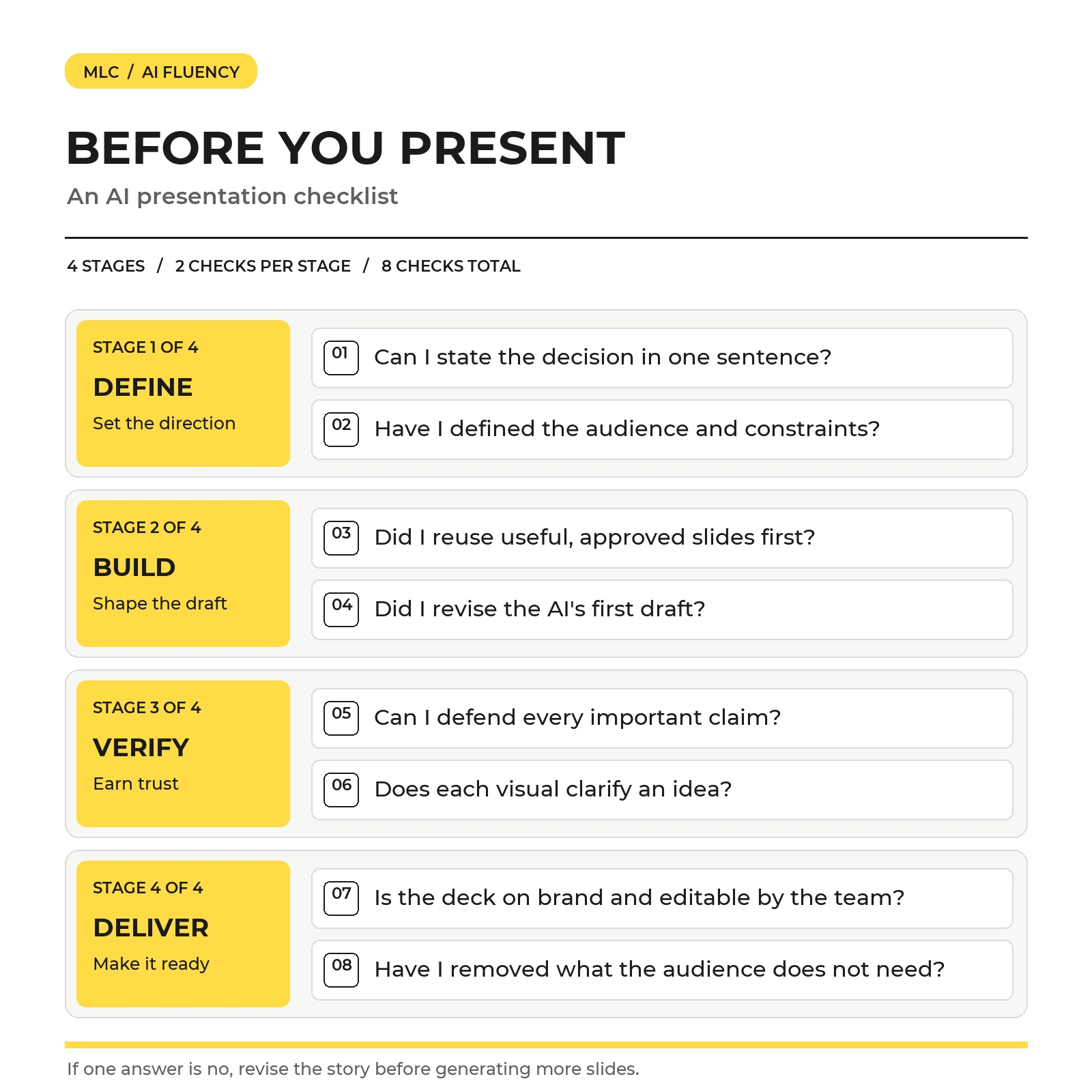
If an answer is no, go back to the story and revise that choice. Clarifying the message or removing an unnecessary slide is often more useful than asking AI to produce more content.
Frequently asked questions about AI presentations
Can AI create a complete presentation?
Yes. It can create an initial structure, copy and slides. A presentation ready for a real audience still requires fact and source checks, an audience-specific story and decisions about what to remove.
Who is responsible for slides created with AI?
The person or team presenting them. They know the objective, choose reliable material, review the output and answer the audience’s questions.
Where should I start using AI in PowerPoint?
Start with a limited, verifiable task: improve one existing slide, summarize a section or check alignment with your brand. Rolly recommends moving gradually from one slide to a section and then a full deck.
What are Copilot skills for presentations?
They are reusable instructions for recurring tasks, such as creating a summary or applying style rules. They make AI’s work more consistent with a person’s or organization’s method.
Will AI tools replace PowerPoint?
In our conversation, Rolly and I do not see an imminent replacement. AI tools generate and transform content; PowerPoint continues to support editing, collaboration and delivery across many business workflows.
My conclusion: let AI produce, but keep the direction
The most interesting part of our conversation is not how quickly a slide can be designed. It is the extra time we can devote to the questions that matter: who is listening, what do they need to understand and which decision are we trying to make easier?
If you want to bring this approach into your team’s work, explore our Lean Presentation Design training and presentation resources. A small first step is to take a slide you use often and ask whether it really conveys the idea you want people to remember.



Comments on AI Presentations: 8 Lessons from My Conversation with Rolly Seth